
The 2026 PC Cooling Guide: Stop Frying Your Hardware (And Losing FPS)
With CPUs and GPUs running hotter than ever in 2026, proper PC cooling is no longer optional. Learn how to optimize your airflow, choose the right cooler, and stop thermal throttling from ruining your frame rates.
SETUP GUIDES
Team PGS
6/15/20261 min read
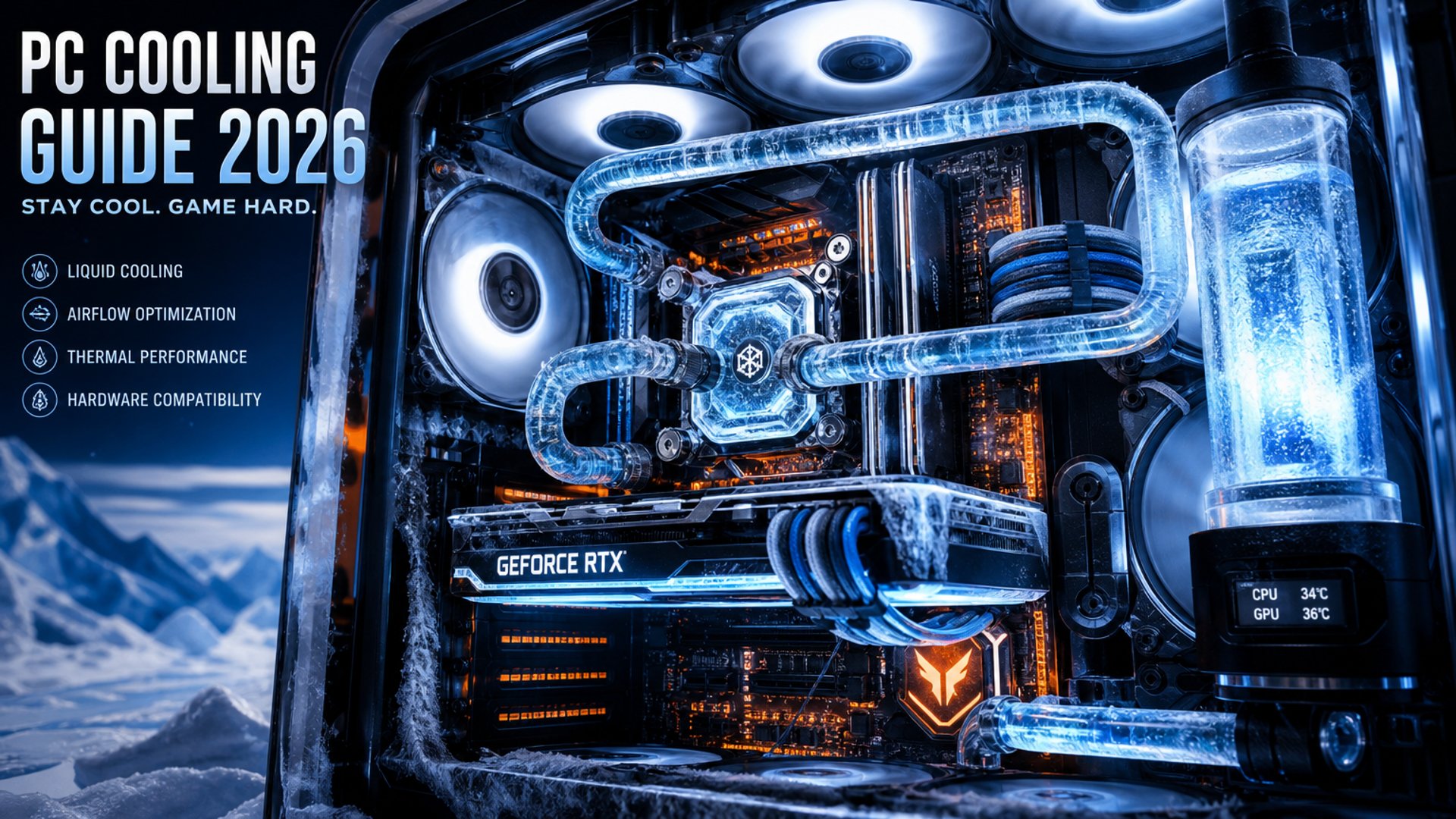
If you paid attention to Computex 2026, you probably noticed a massive trend: hardware is getting incredibly hot. With the push for AI integration and higher clock speeds, modern CPUs and GPUs are essentially tiny space heaters.
At PGS Gaming Lab, we constantly see gamers spending $500 on a graphics card, only to stuff it inside a glass box with zero airflow. The result? Thermal throttling. Your expensive parts slow themselves down to avoid melting, which means you lose FPS and introduce stuttering into your games.
Here is how to fix your PC's temperatures on a budget.
🌬️ Step 1: The "Mesh" Rule
If the front of your PC case is a solid piece of glass or plastic, you are choking your fans. The golden rule of 2026 PC building is Mesh Front Panels. You don't need a $200 case. Budget options like the Montech Air 903 or the Corsair 4000D Airflow cost under $90 and will drop your internal temperatures by 10 to 15 degrees Celsius instantly.
❄️ Step 2: Air Cooler vs. AIO Liquid Cooling
Do you really need a liquid cooler (AIO) for a budget setup? No. Unless you are running a flagship Intel Core i9 or Ryzen 9, a high-quality air cooler is cheaper, more reliable, and performs just as well. The Thermalright Peerless Assassin 120 SE costs around $35 and outperforms liquid coolers that cost three times as much. It is the undisputed budget king of 2026.
🌪️ Step 3: Fan Configuration (Positive Pressure)
Don't just throw fans randomly into your case. You want Positive Airflow.
Intake: Put 2 or 3 fans on the front pulling cool air in.
Exhaust: Put 1 fan on the back (and maybe 1 on the top-rear) pushing hot air out. This setup ensures your parts get fresh air and helps keep dust from being sucked into every crack of your case.
👉 The Lab's Verdict: Spending $50 on proper cooling will give you more stable FPS than spending an extra $50 on a slightly better CPU that will just overheat anyway. Keep it cool, keep it fast.
About the Lab
Your gaming performance lab. Honest reviews, practical guides, and the best budget-friendly gear to help you build the perfect setup without breaking the bank.
© 2026 PGS Gaming Lab. All rights reserved. A PGS Studio project.
Quick Links:
Setup Guides
Gear Reviews
Tech Deals
Affiliate Disclosure
PGS Gaming Lab is a participant in the Amazon Services LLC Associates Program. As an Amazon Associate, we earn from qualifying purchases. This comes at no extra cost to you and helps keep our lab running!
As an Amazon Associate, I earn from qualifying purchases.